




Module 2 of 4

Driver App for your fleet

The mobile app your drivers use to execute routes dispatched from the planner. Navigation, proof of delivery, and real-time status updates — all feeding back to your control tower.

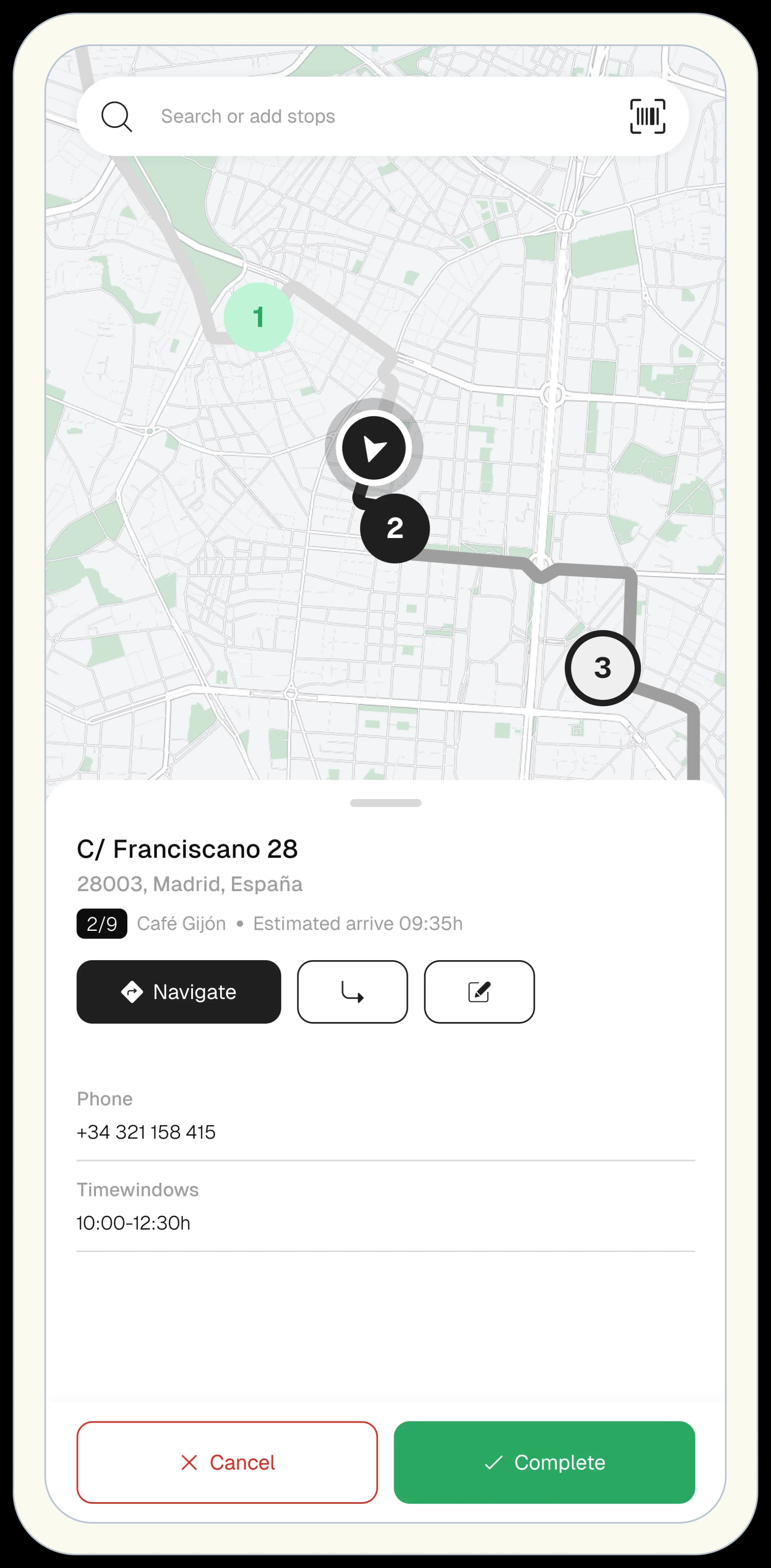
Routal driver app on mobile phone showing active route and stops
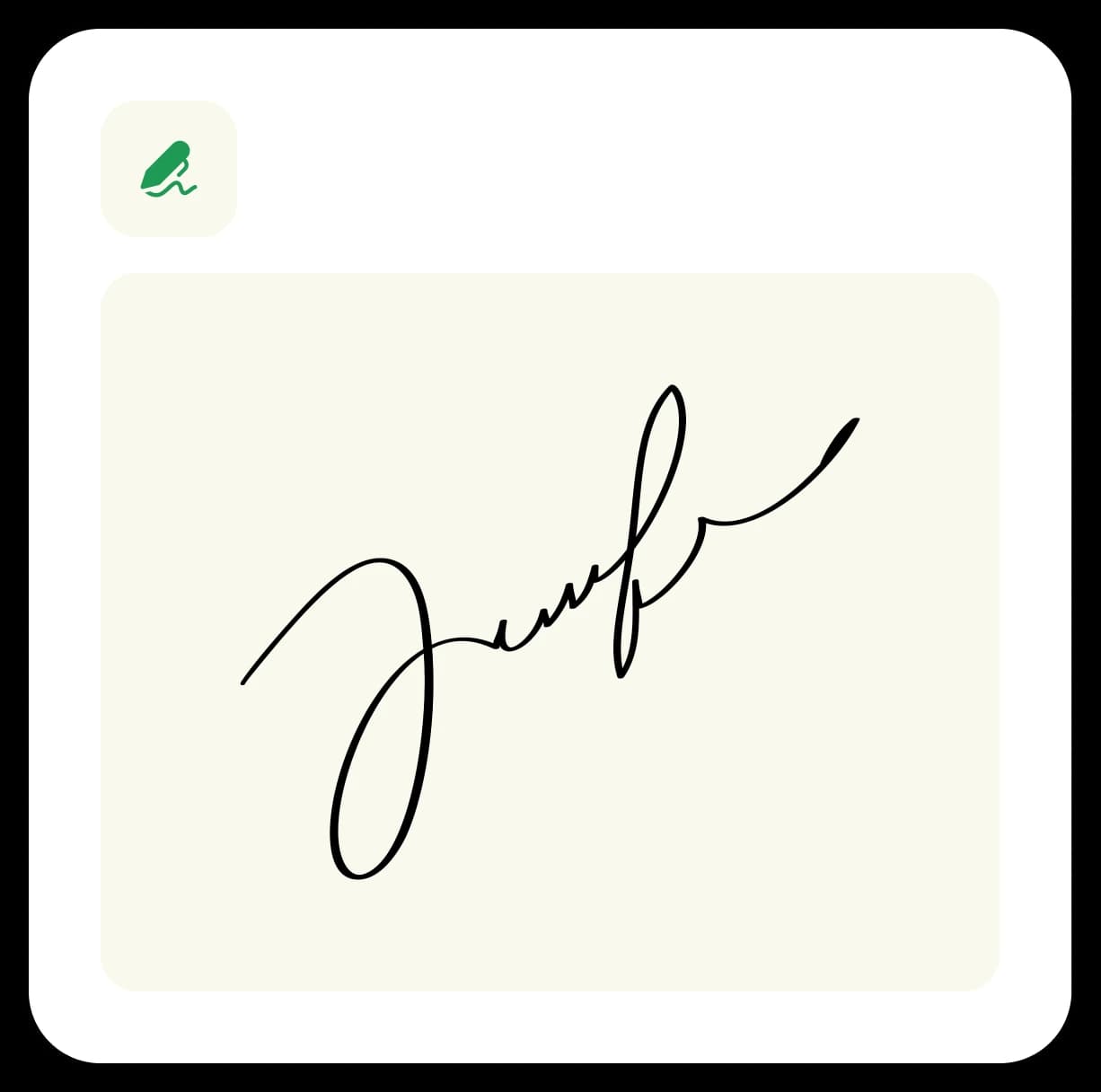
Signature capture panel in the driver app
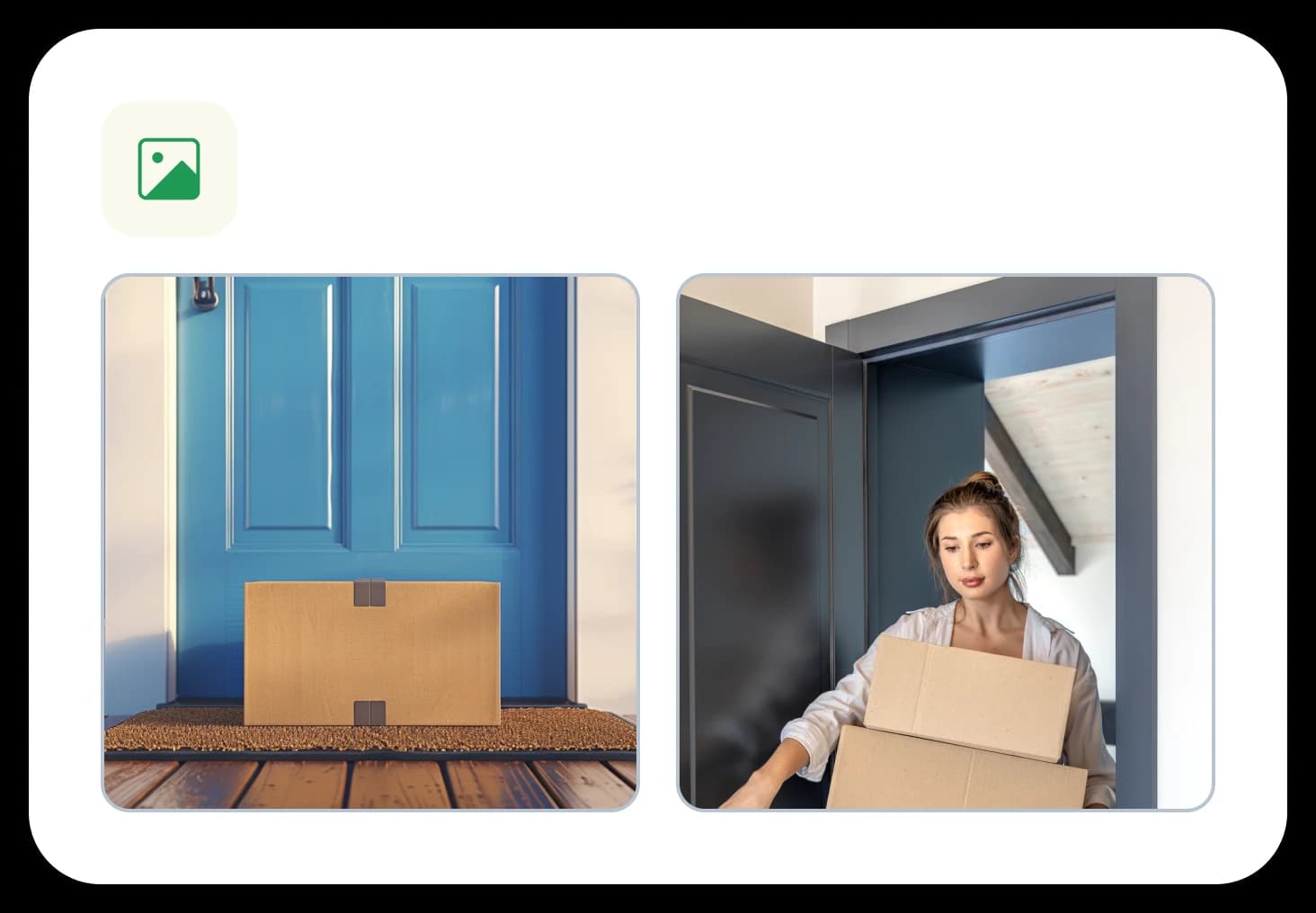
Delivery report panel in the driver app
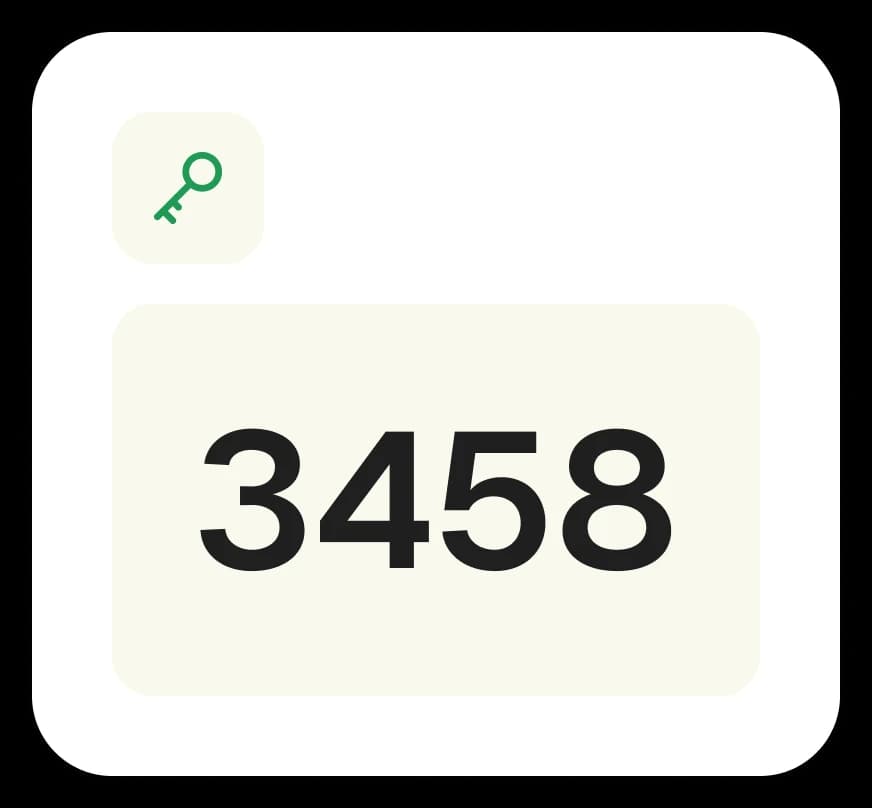
Location pin confirmation panel in the driver app
Trusted by logistics teams worldwide
Agbar
DB Schenker
G4S
Mercedes-Benz
Proan
Quaker State
Suez
Agbar
DB Schenker
G4S
Mercedes-Benz
Proan
Quaker State
Suez
Agbar
DB Schenker
G4S
Mercedes-Benz
Proan
Quaker State
Suez
Offline modeContinuity even without coverage
Full PODPhoto, signature, and geolocated proof
Field editsCreate tasks and reoptimize from Drivers

What this module unlocks

Less street friction

Drivers receive, navigate, and report from one app with fewer calls and less duplicate work.

End-to-end traceability

Every incident is recorded with context, evidence, and location so disputes do not show up later.

Operational flexibility

Edit tasks, create stops, and reoptimize without breaking the driver's day.

Tracking

Field tracking with full context

The app prioritizes execution clarity so drivers can complete routes with fewer interruptions.

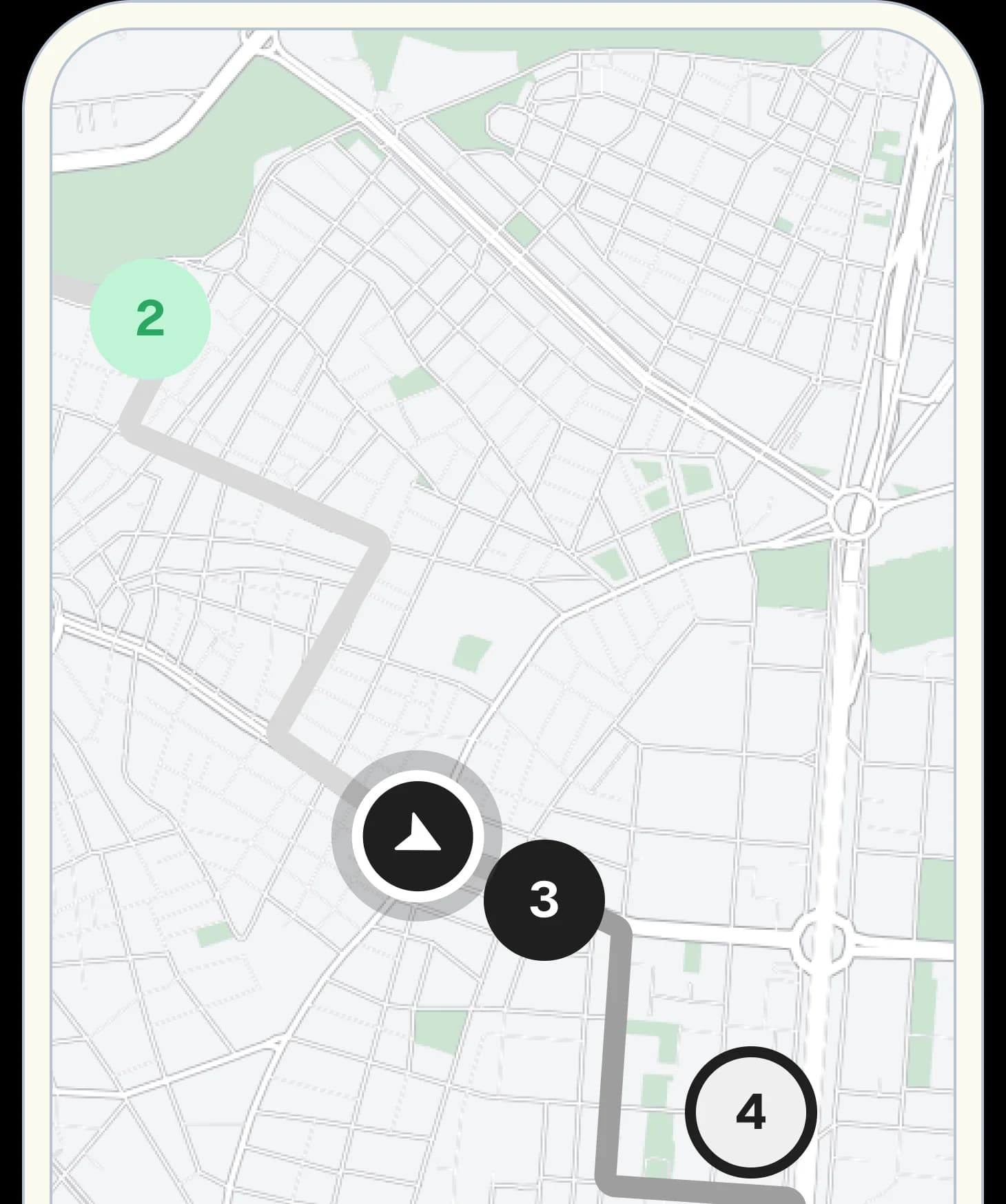
  • Route tracking and live vehicle monitoring
  • Order status updates throughout the route
  • Offline mode to continue even with poor connectivity
  • WhatsApp route dispatch for rapid activation
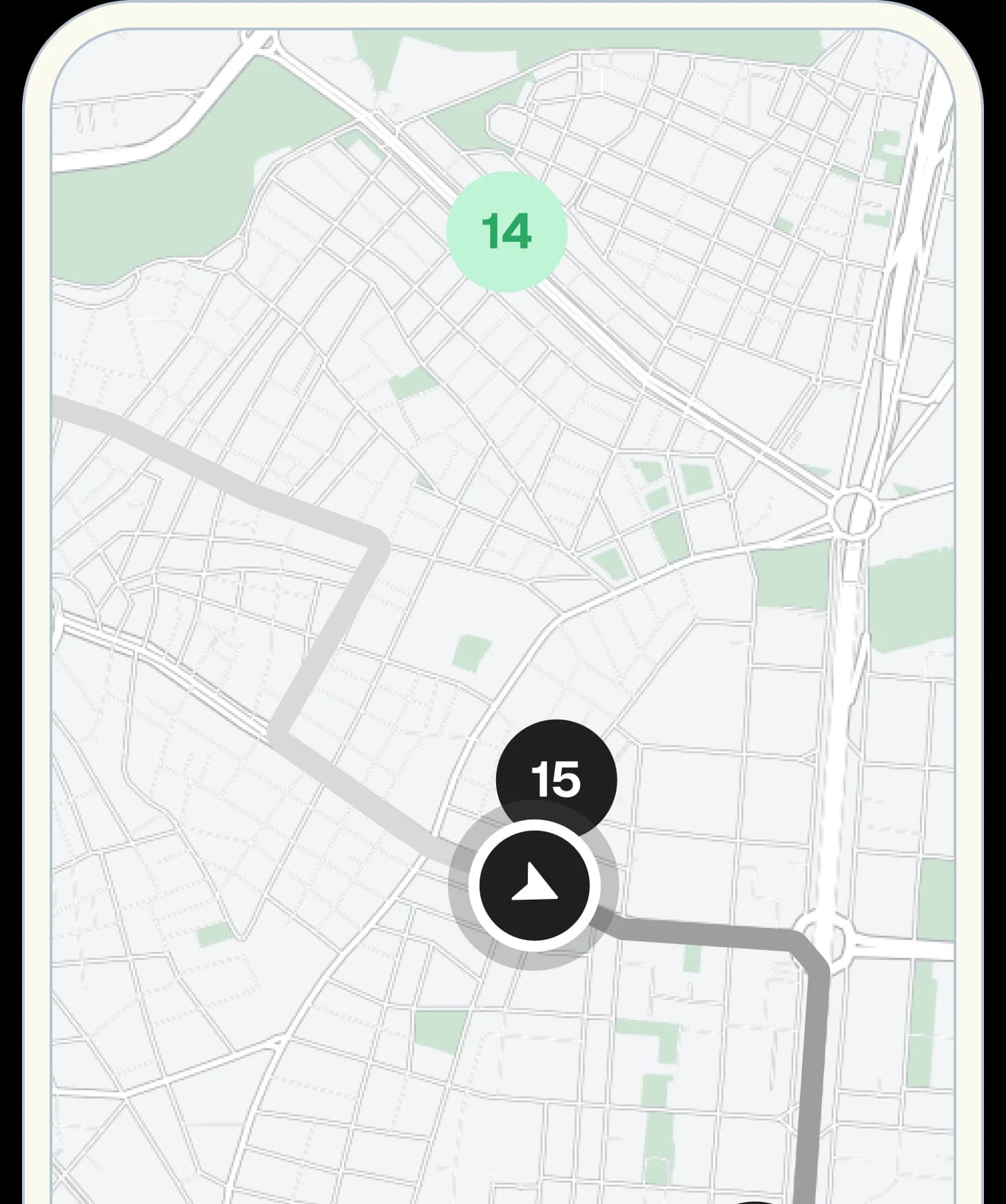
Driver app map with active route and next stop navigation card

Next stop

2

C/ Franciscano 28

Madrid, 28003, España
Control

Proof of delivery and incident control

Every milestone is captured with evidence to reduce disputes and speed up issue resolution.

  • Proof of delivery and cancellation with traceable evidence
  • Secure PIN delivery when process compliance requires it
  • Route visibility controls by driver profile
  • Driver satisfaction metrics to improve adoption
Driver app map showing delivery stop with proof of delivery overlay
Signature capture panel in the driver app
Location pin confirmation panel in the driver app
Productivity

Mobile productivity tools

Capture and edit capabilities in the field to react quickly when priorities shift.

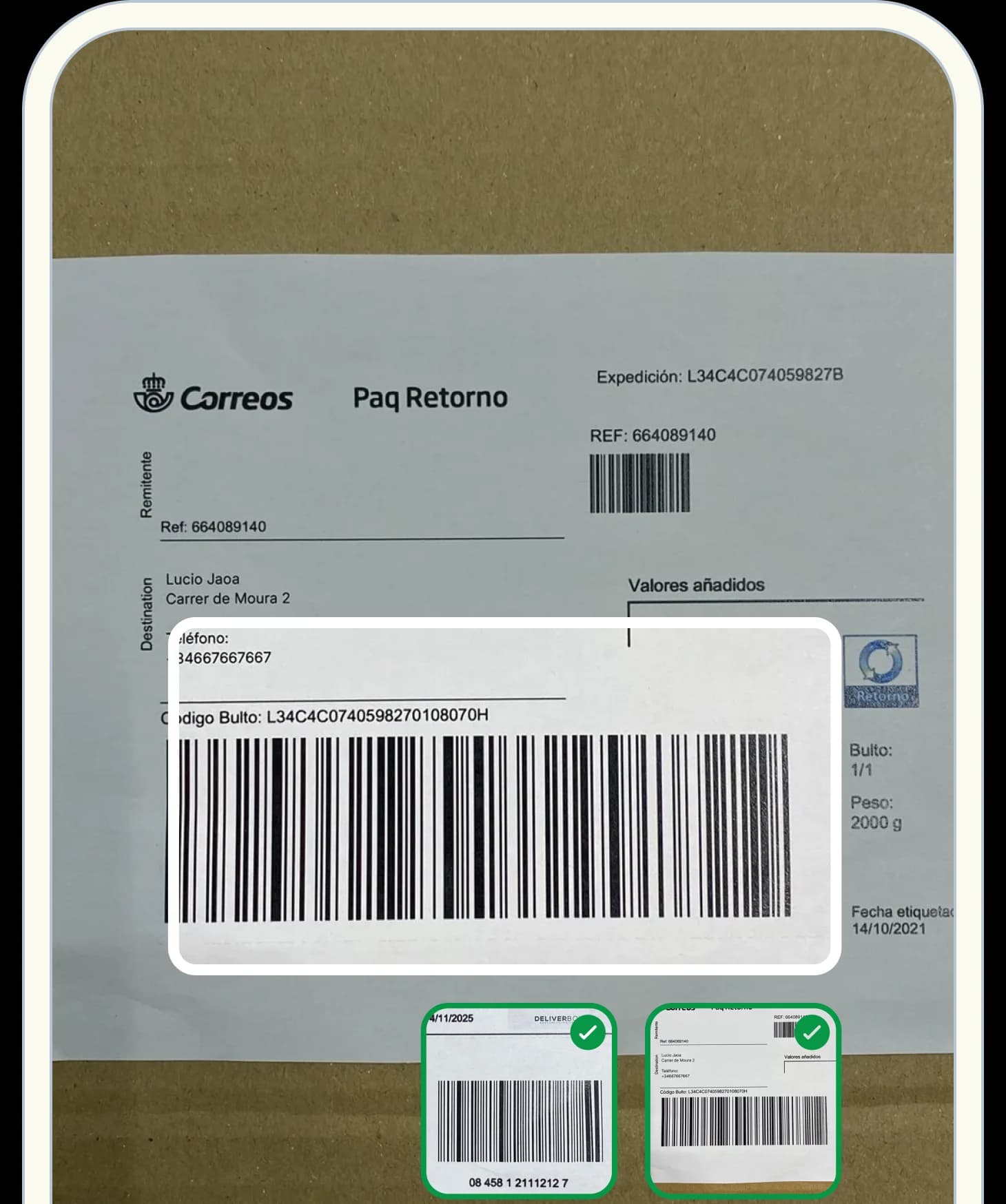
  • Automatic label scanning to accelerate stop processing
  • Barcode scanning with camera or laser devices
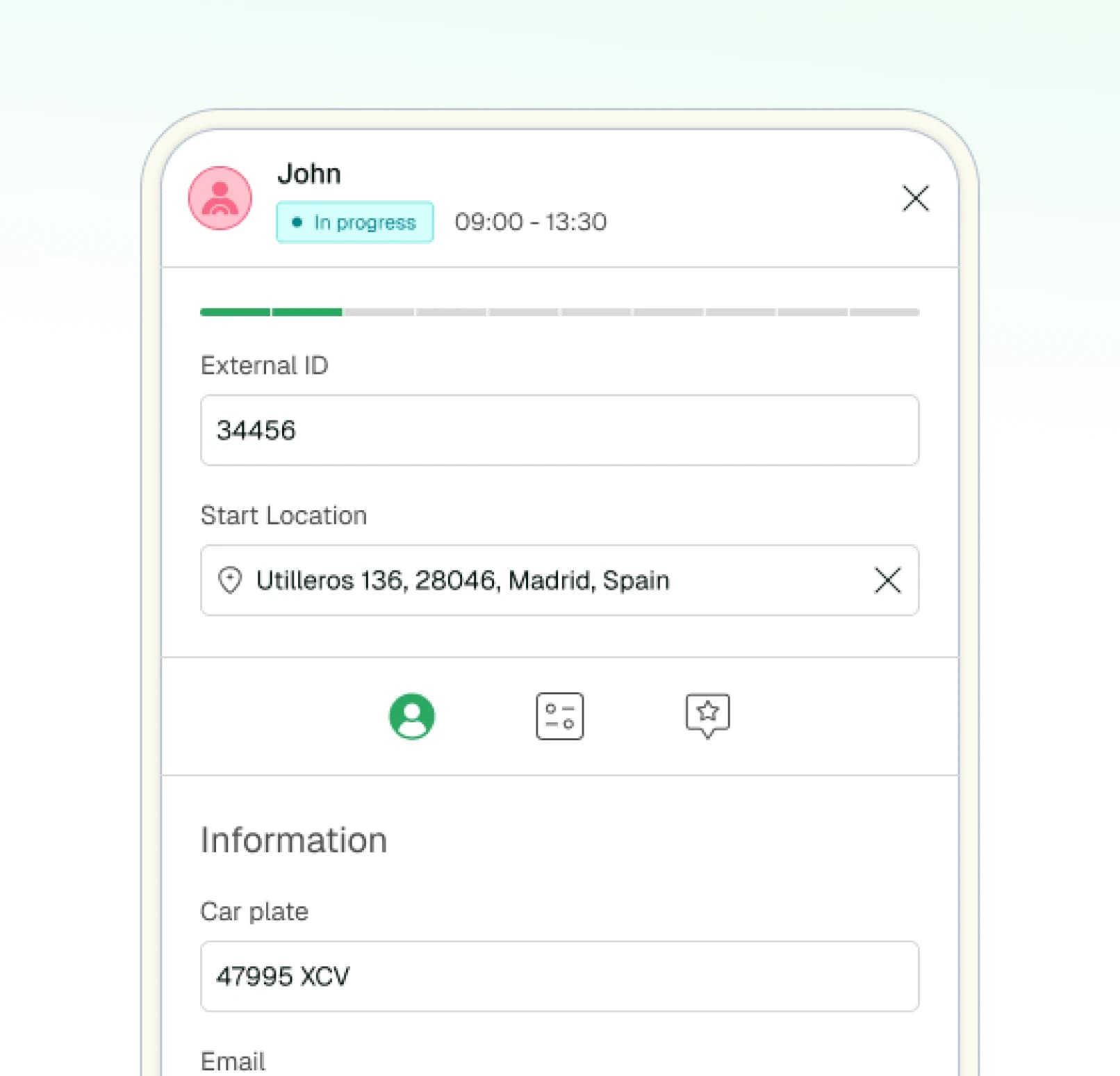
  • Create and edit tasks directly from Drivers
  • Reoptimize routes from Drivers when plans change
Driver app barcode scanning with task management overlay
Task 1

Comments

Leave package 3445897 at the entrance

Barcode

88845122

Task 2
Coordination

Direct connection to dispatch control

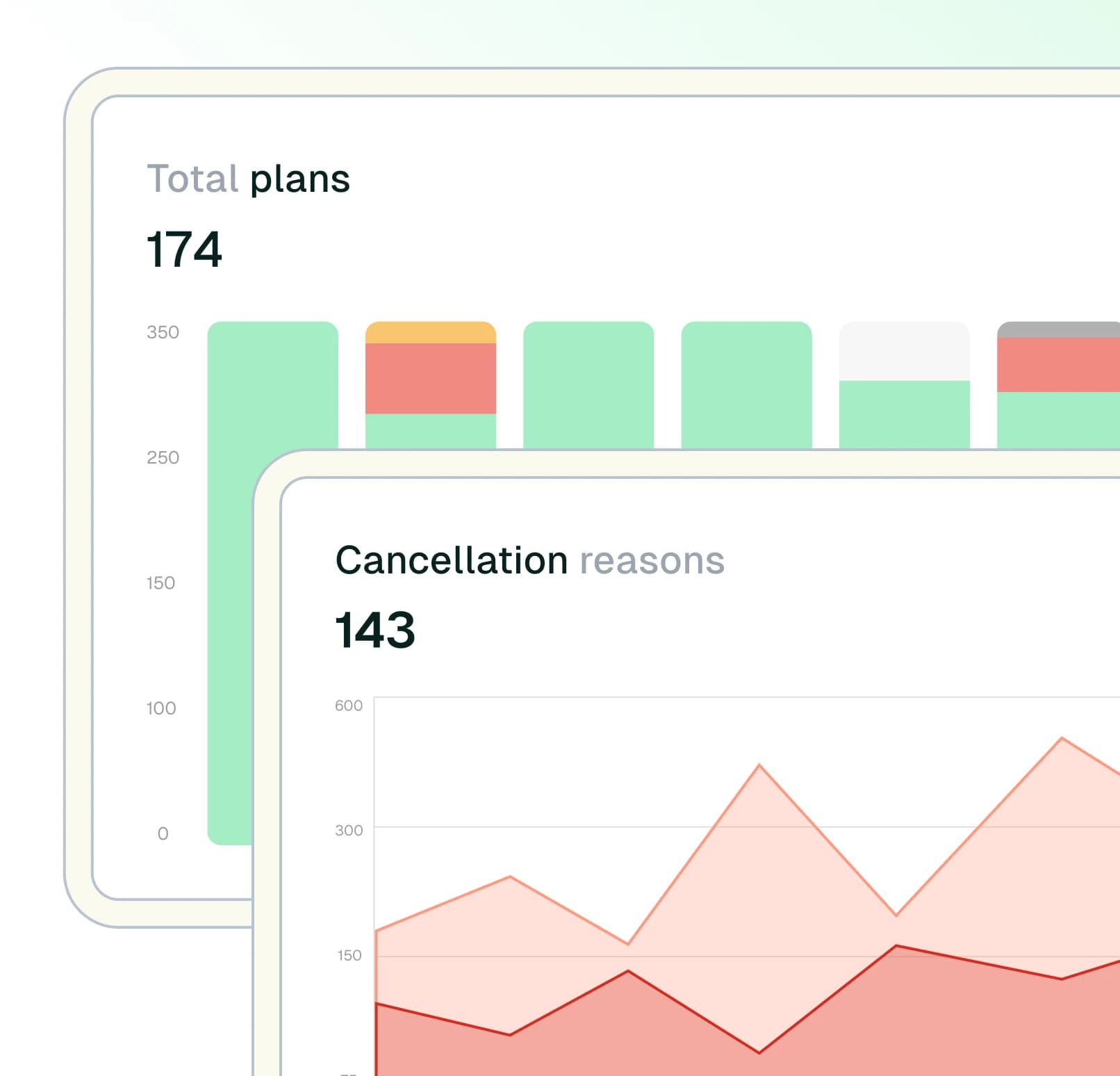
Driver updates flow into dispatch, customer communication, and analytics in real time.

  • Each driver update refreshes live operational status
  • Fewer manual calls between dispatch and field
  • Consistent execution data for analytics and support
  • Real-time sync between field and control tower
Driver dispatch coordination map with vehicle route and stop status
John
10:36
⊙ 1014.7 km750/1000 m³750/1000 kg
1
Casa Botín09:05
2
Café Gijón09:19
3
La Mallorquina09:43
FAQ

Driver app questions

Common questions about the Routal Drivers mobile experience.

Yes. Drivers can continue navigating, updating stop statuses, and capturing proof of delivery without an internet connection. Data syncs automatically when connectivity returns.

Still have questions? Visit our Help Centre

Customer results

Less firefighting. More daily control.

Or if you prefer, book a personalized demo with an expert.